Title here
Summary here
MOGON OnDemand (MOD) is a web portal to run interactive applications like Jupyter, VS Code or MATLAB. Also included is a file manager which makes it possible to edit, upload and delete files. All these features are operated in an easy to use GUI. This allows users with no bash experience to easily create and supervise jobs. No SSH is required to log in.
MOD can be accessed at https://mod.hpc.uni-mainz.de/pun/sys/dashboard/
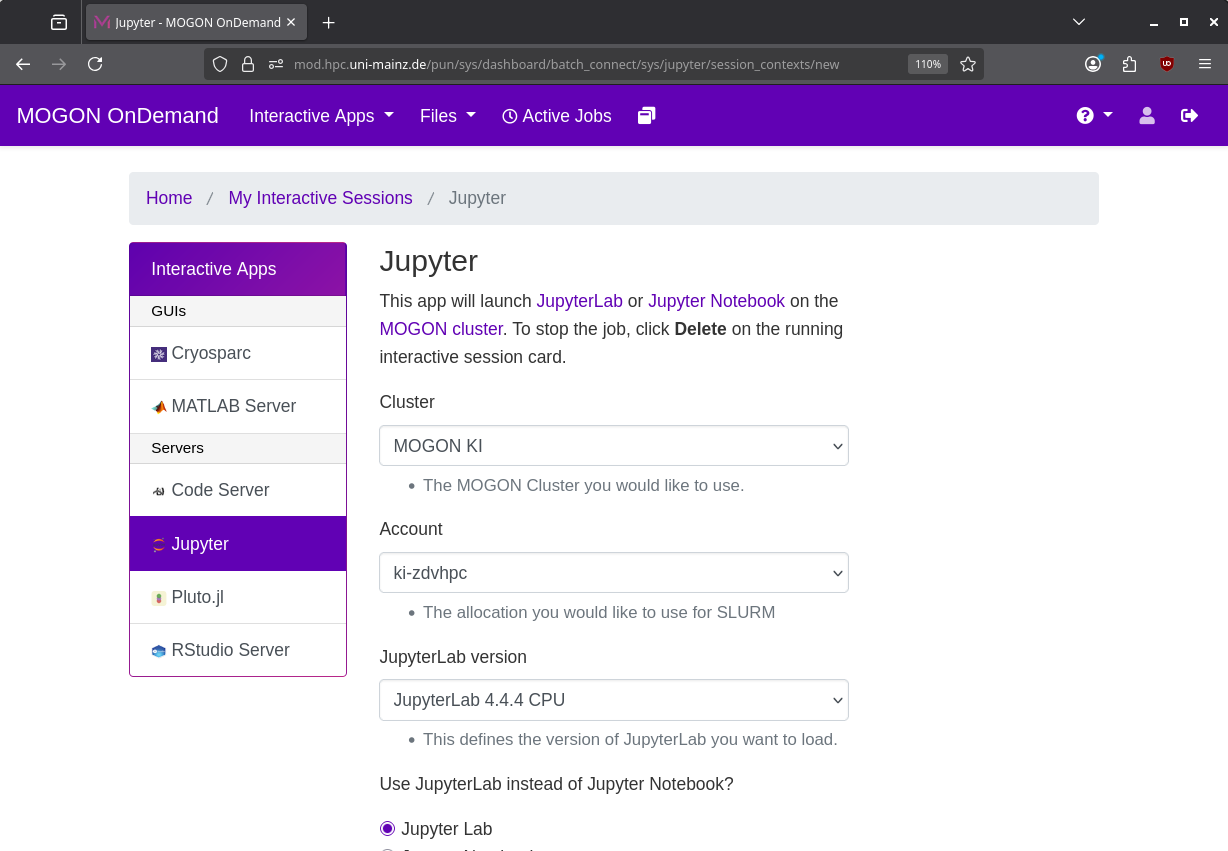
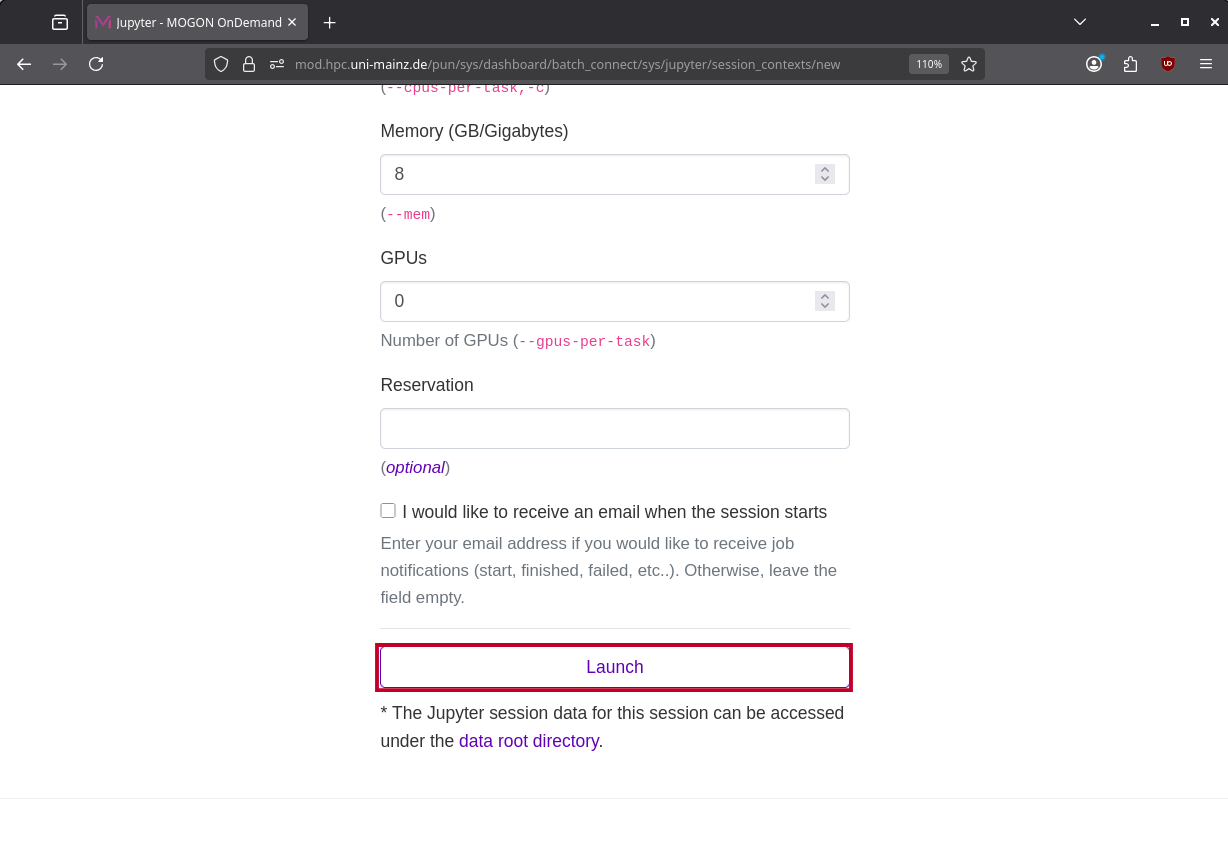
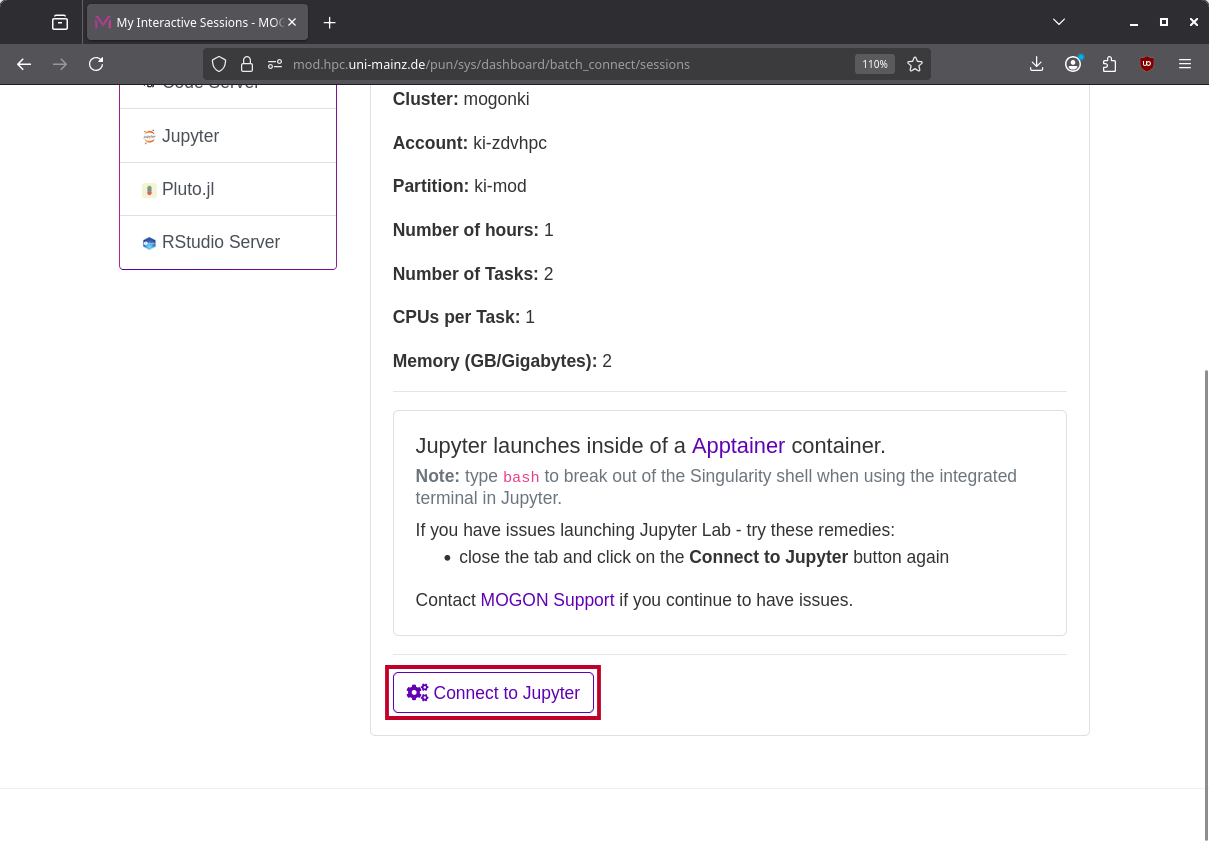
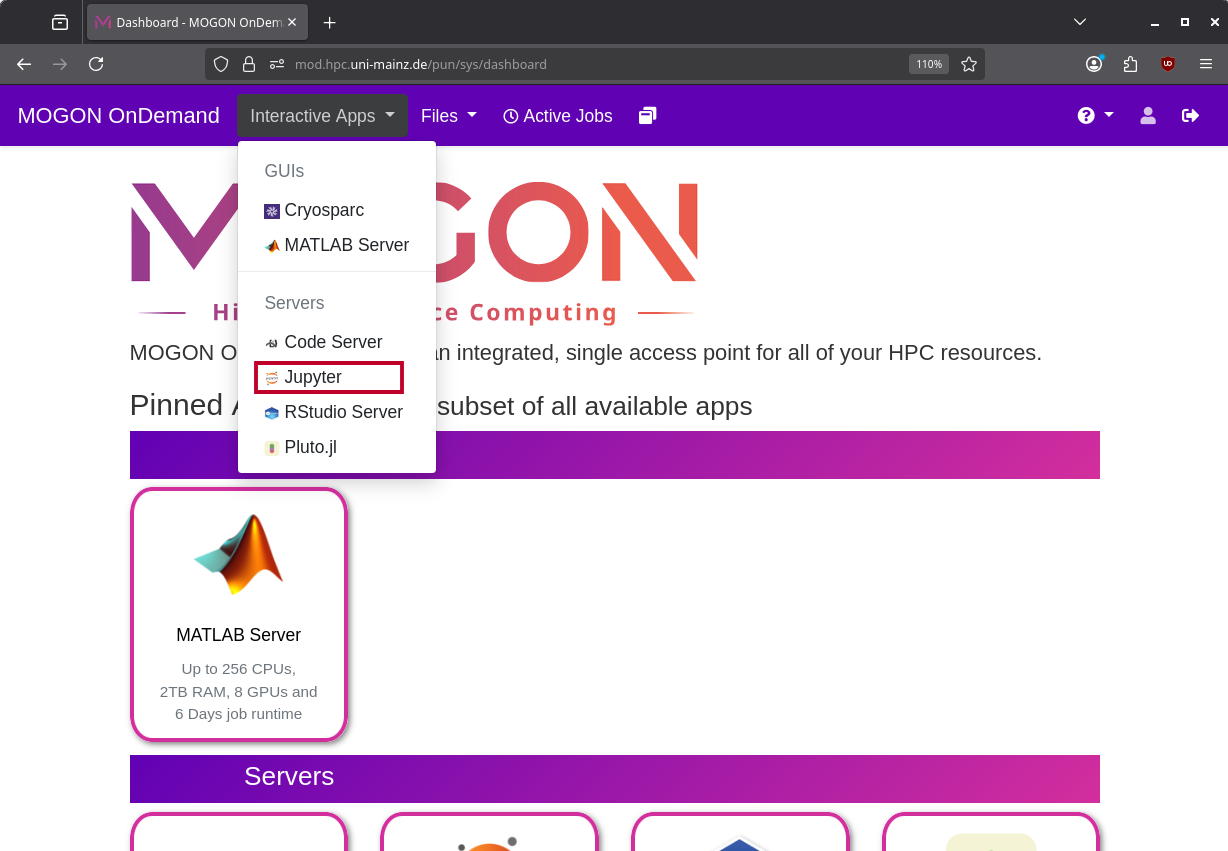
To launch a new Session just click on Interactive Apps and choose the desired application. Now fill in the resource form and Launch the Job.
When starting Pluto.jl you need to select a environment and can set extra args
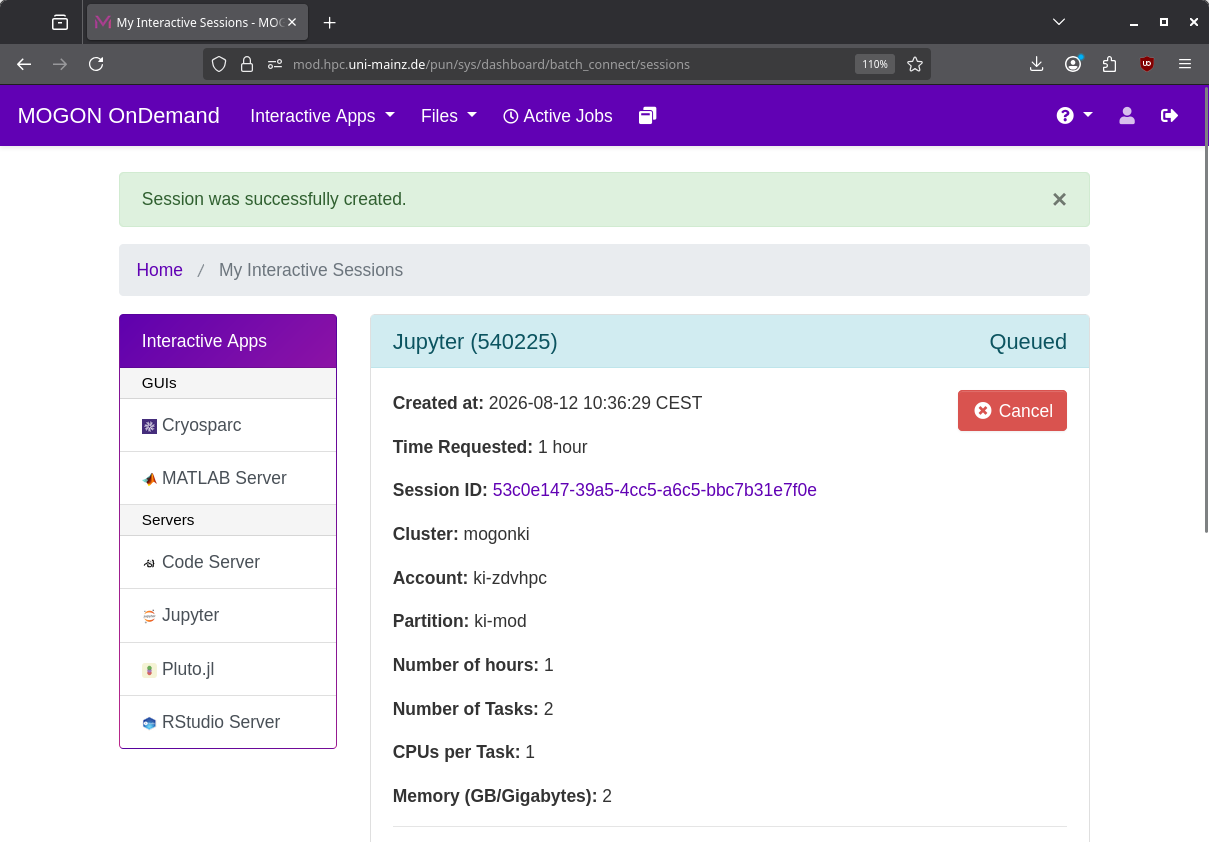
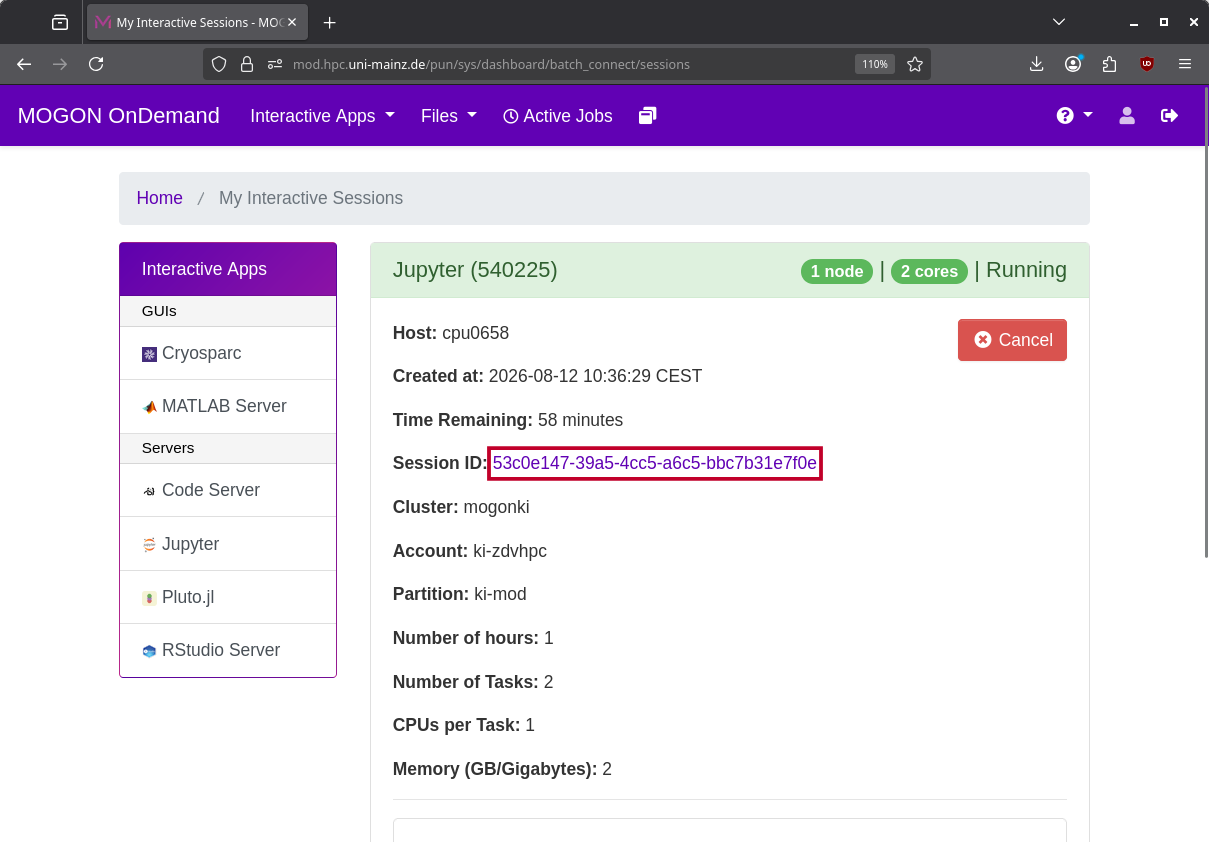
All Sessions of the last 6 days are shown in the Interactive Sessions tab and can be relaunched or deleted.
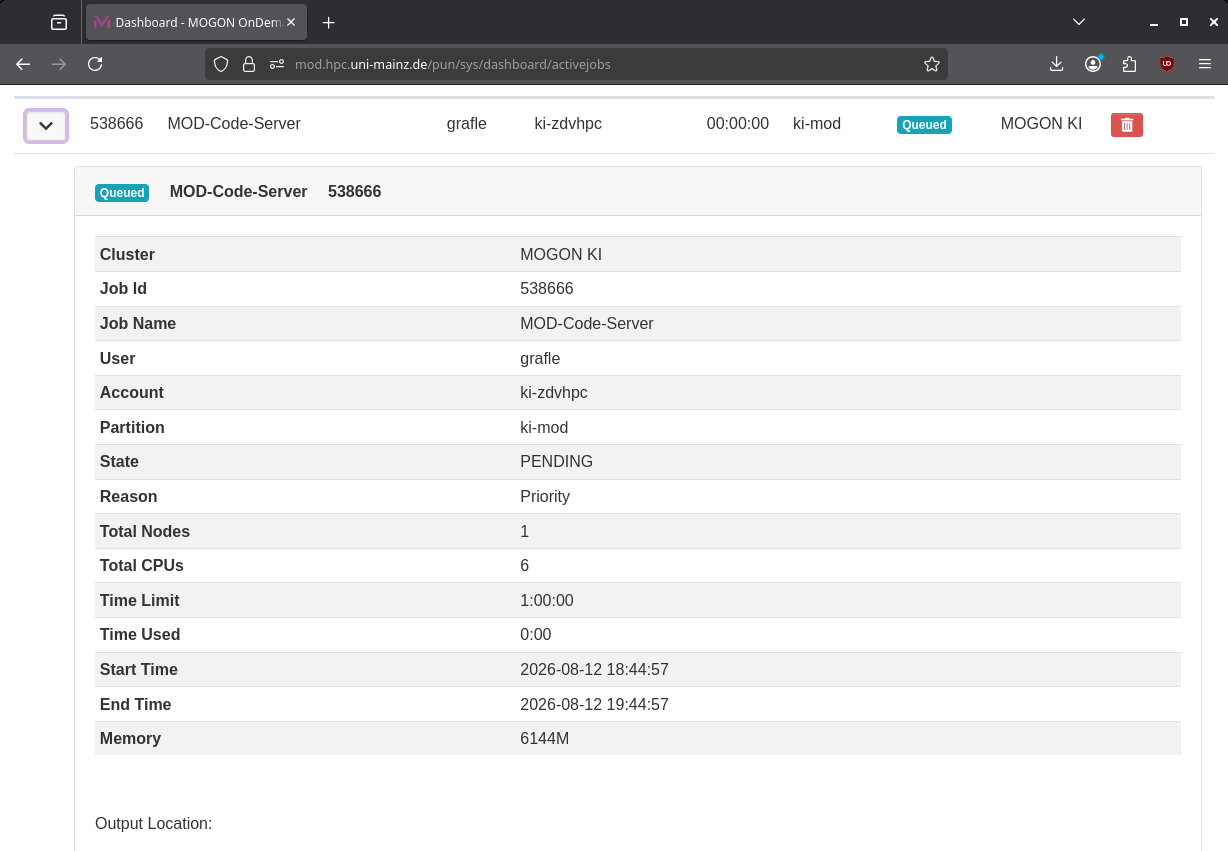
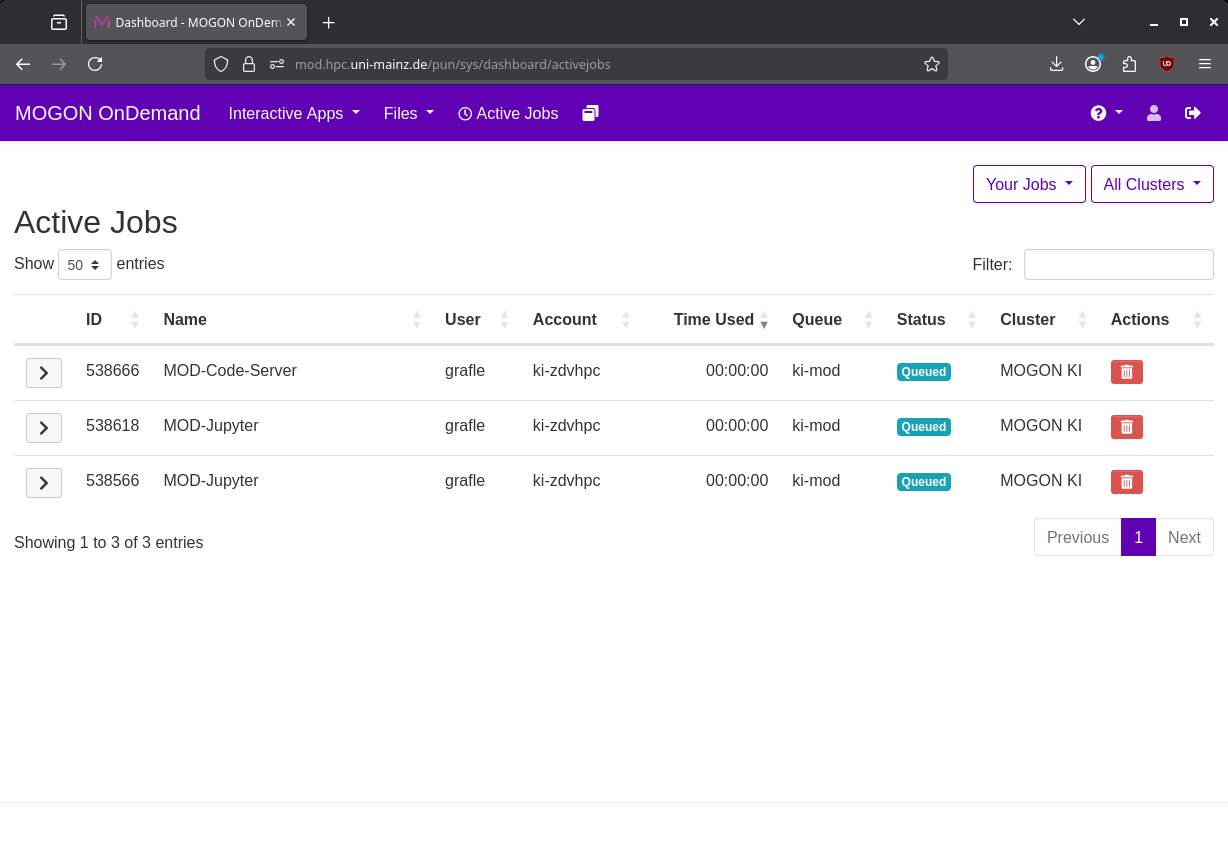
The Active Jobs tab provides an overview of all queued and running jobs and information on their current state and reason. From there you can also open the associated directory in the file manager or delete the job.
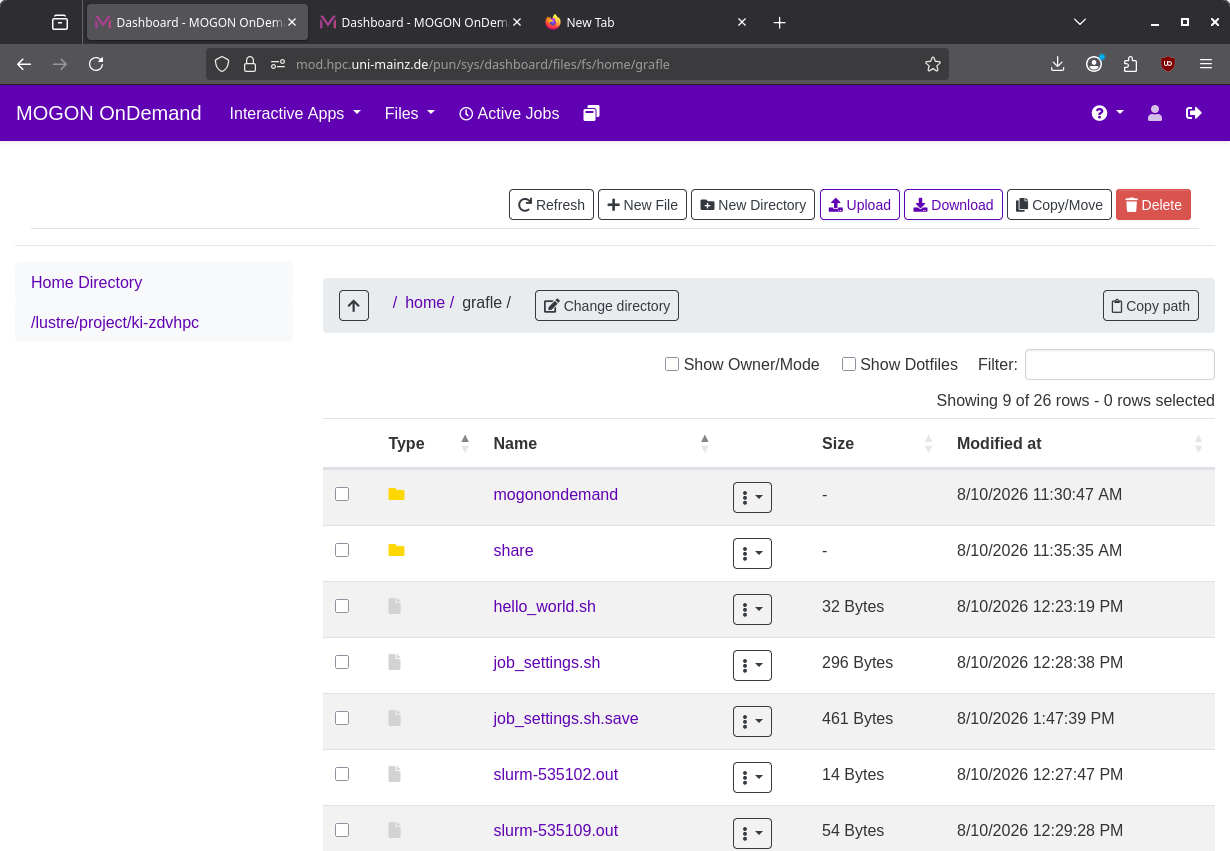
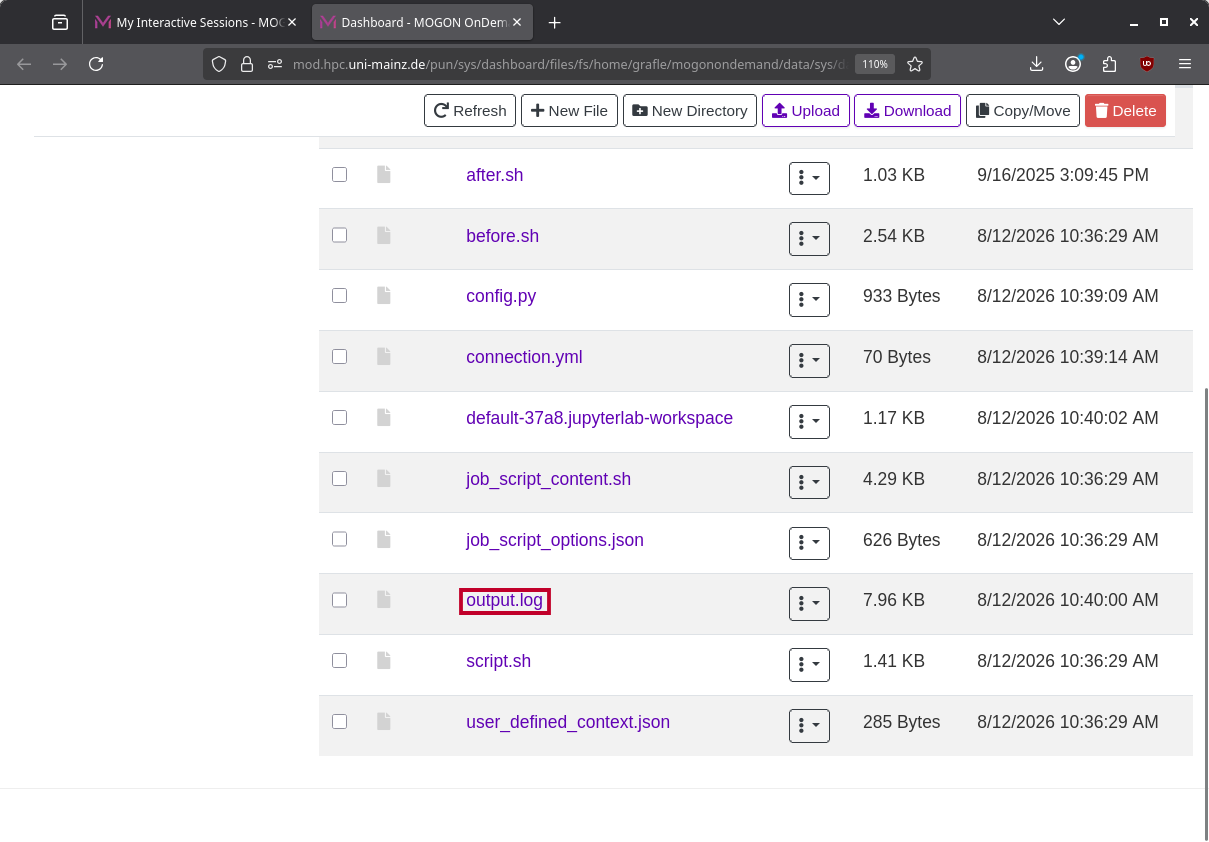
In the files tab you can upload, download, copy and remove files and folders from your MOGON system.